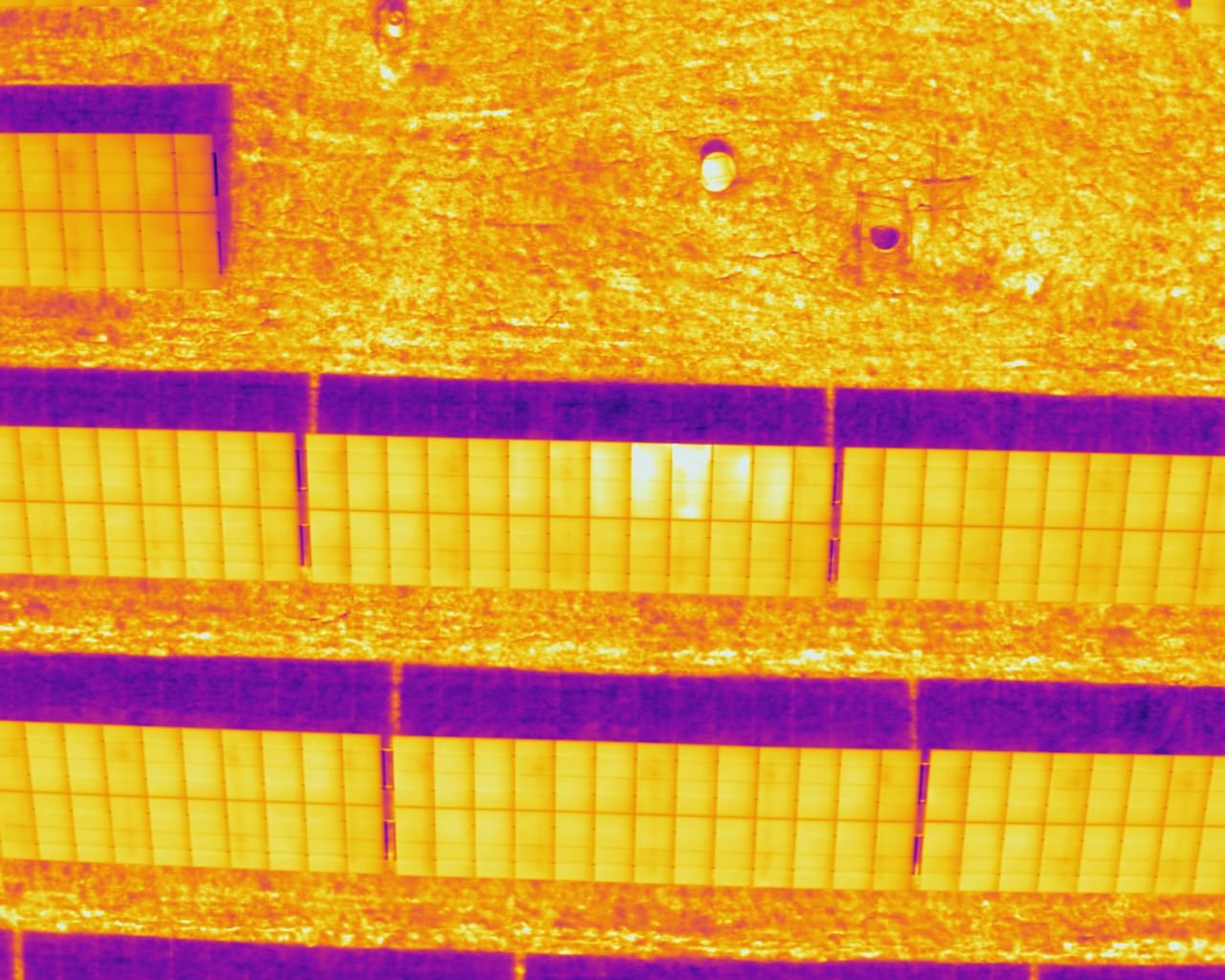
How it works
Step 1
Upload
Add one shot or a whole flight. Each thermal image is matched to its zoom and wide photos by file name.
Step 2
Choose the look
Pick a palette, colour distribution and temperature span, and check the visible picture lines up.
Step 3
Download
Get FLIR-style files one at a time or as a zip, and open them in FLIR Thermal Studio.
What you get
- Per-pixel temperatures that FLIR Thermal Studio reads and measures, not just a coloured picture.
- GPS position kept from the original image.
- The zoom photo (or the wide photo if there is no zoom) embedded as the visible picture, cropped to the thermal view and aligned to it.
- Choose the palette, colour distribution and temperature span the file opens with.
- Whole flights at once, downloaded as a zip.
- Measurement settings (emissivity, distance, humidity, atmospheric and reflected temperature) taken from each image, with the option to override them.
Works with images from
Tested on Zenmuse H30T images. The other models are being verified: see the status of each.
Your files are not kept
When ThermaBridge opens, each image is converted in memory and deleted as soon as your download is ready. We keep nothing, and the files only ever exist in your browser tab afterwards.